

- Tên:
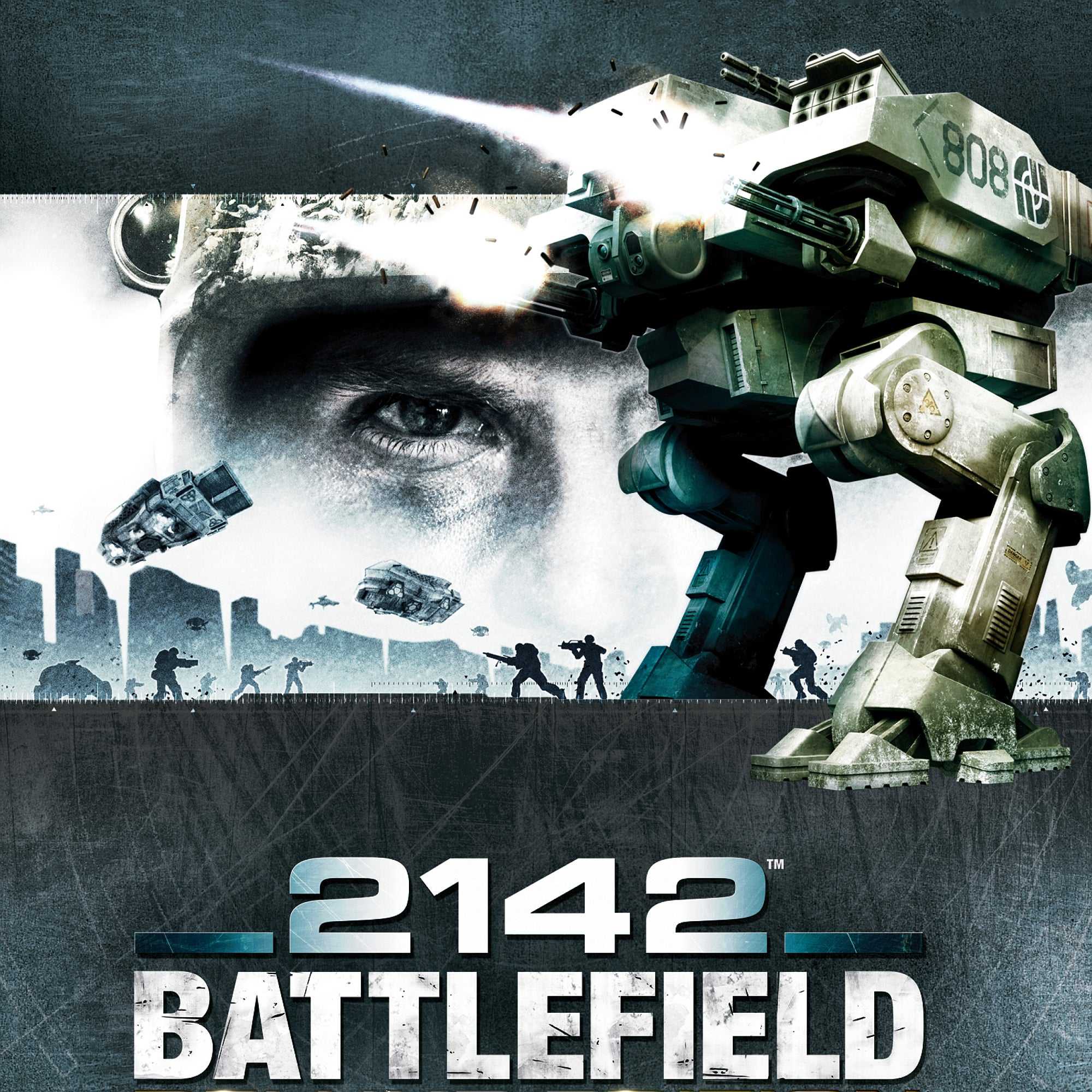
- Battlefield 2142
- Phiên bản:
- v1.x.
- Ngày update:
- 27/12/2023
- Thể loại:
- Game, Game hành động
- Dung lượng:
- 3.23GB
- Số part:
- 1
- RAM tối thiểu:
- 1GB
- Ngôn ngữ:
- Tiếng Anh
- Seri game:
- Battlefield 2142
- Trạng thái:
- Đã mở khóa
- Cloud:
- GoogleDrive
- Mua game:
- Link ủng hộ nhà phát triển
Giới thiệu
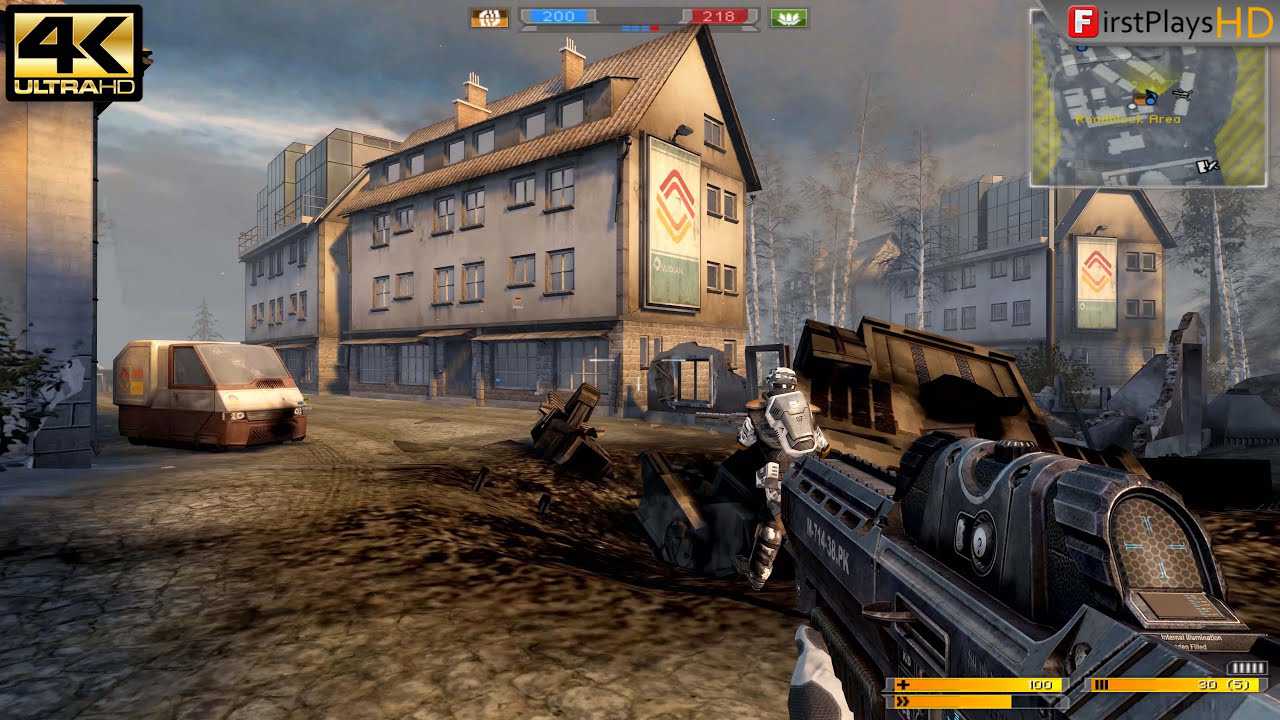
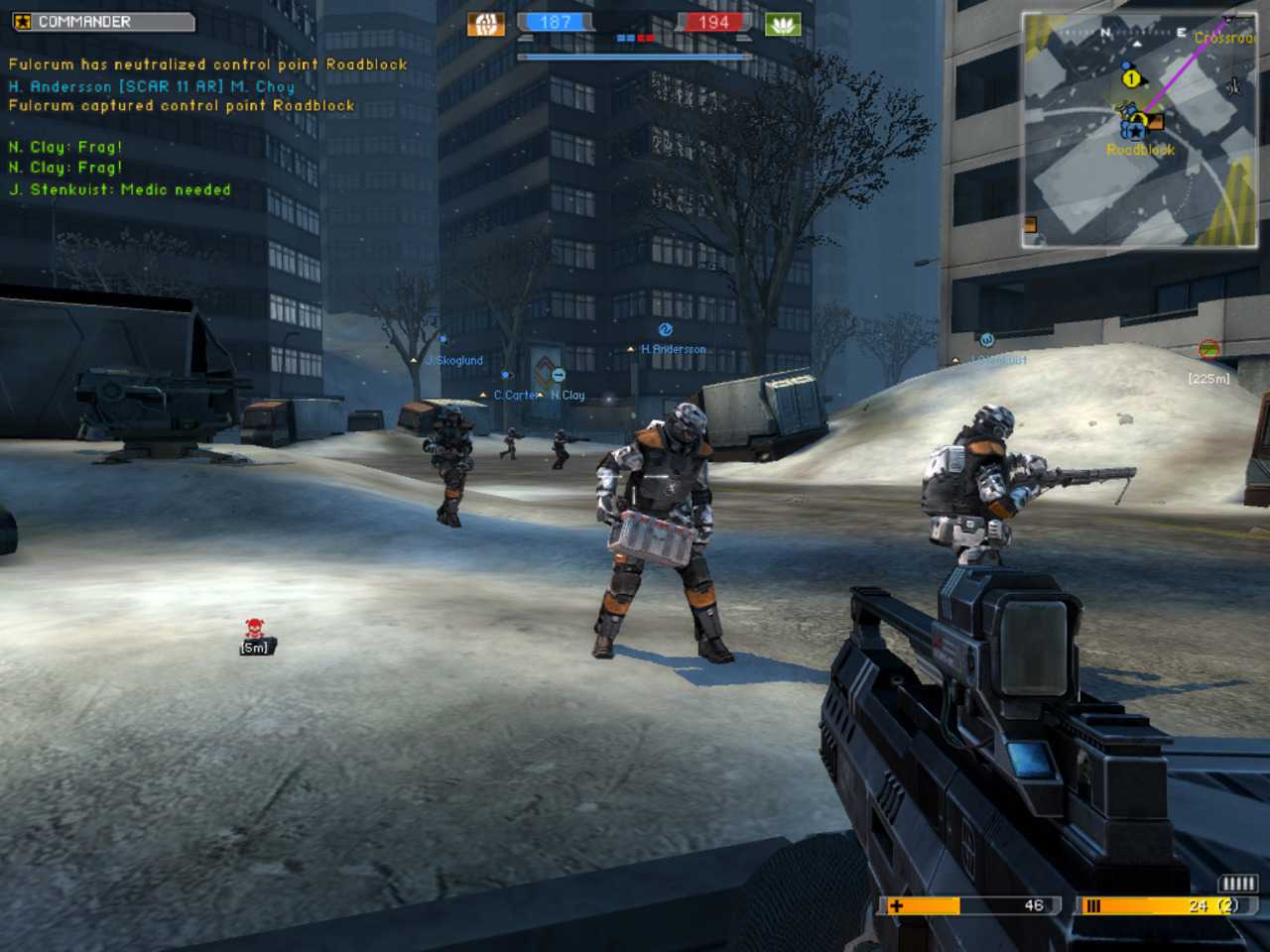
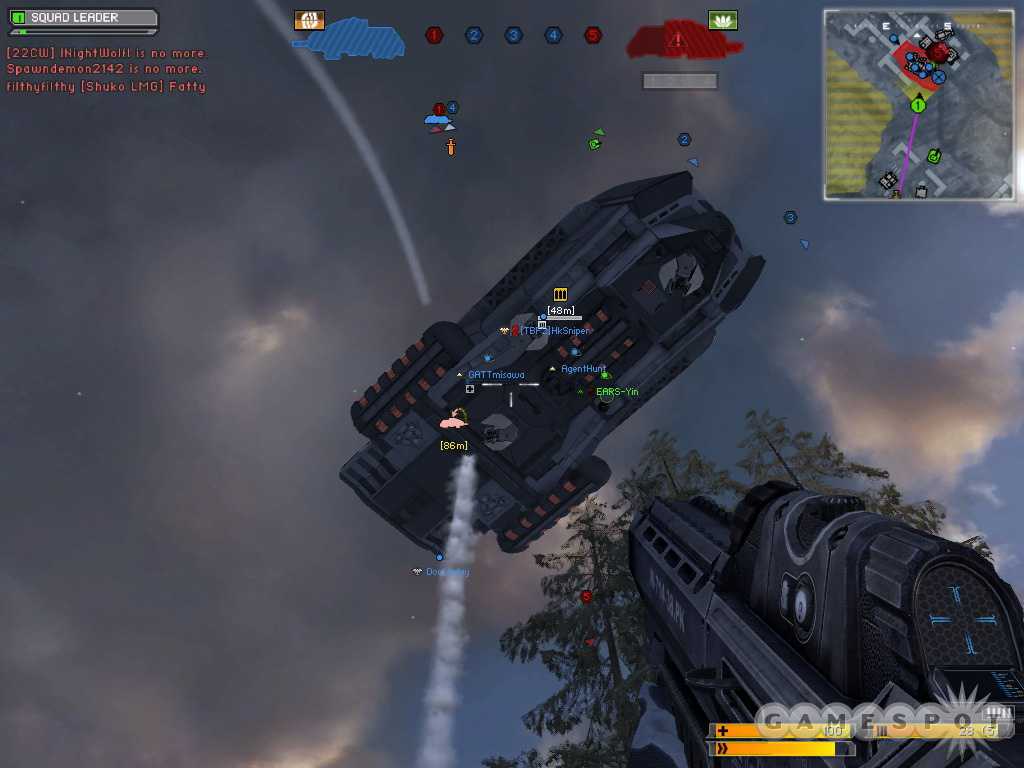
Năm 2142, bình minh của kỷ băng hà mới đã khiến thế giới rơi vào tình trạng hoảng loạn. Phép toán rất đơn giản và tàn bạo: Đất không bị băng bao phủ chỉ có thể nuôi sống một phần dân số trên Trái đất. Một số sẽ sống, hầu hết sẽ chết. Người chơi sẽ chọn chiến đấu cho một trong hai siêu cường quân sự trong một trận chiến sinh tồn hoành tráng, Liên minh Châu Âu hoặc Liên minh Liên Á mới thành lập. Được trang bị kho vũ khí tàn khốc gồm súng trường tấn công công nghệ cao, thiết bị che giấu và súng canh gác, người chơi cũng sẽ chiến đấu bằng cách sử dụng một số phương tiện hoành tráng nhất mà con người biết đến. Mech chiến đấu quy mô lớn tiến hành chiến đấu khốc liệt trên mặt đất, trong khi máy bay tương lai thống trị bầu trời. Khi đối mặt với một trong những quái vật khổng lồ mới này, người chơi sẽ cần phải sử dụng trí thông minh của mình và một loạt các biện pháp đối phó mới như lựu đạn EMP để san bằng sân chơi.
Hướng dẫn cài đặt
Please note that this release will ONLY work in single-player and LAN mode at this time. Also note that EA decided to use an online-based profile creation, but thankfully your friends at the blade have included a default user profile that can easily be modified to suit your own preferences.;
Step 1.
Unpack, mount/burn, install the game, use the keymaker from the \Razor1911 dir to generate keys.

Step 2
Copy the c*ack from the \Razor1911 dir into your installation directory.

Step 3
Unpack Default_profile.zip into %USERPROFILE%\My Documents\Battlefield 2142\.

Then open %USERPROFILE%\My Documents\Battlefield 2142\Profiles\0001\Profile.con
with a text editor and change its content to your likings.
The following fields might be of interest:

//name of the in-game user:
LocalProfile.setName “Razor1911”

//login username:
LocalProfile.setEAOnlineMasterAccount “Razor1911”

You might also want to have a look at the other files in this dir!

Step 4
Start the game, when prompted by the login prompt, enter whatever you used for LocalProfile.setEAOnlineMasterAccount. If you didn’t change anything in Profile.con this will be “Razor1911”. You will be prompted by a box telling you are playing in offline mode, press ‘OK’. Now select your profile and the game will start!

P.S. If you want to play on any official servers, buy the game!

Full List of Supported Languages:
English, French, Italian, German, Spanish, Czech, Danish, Dutch, Finnish, Swedish, Traditional Chinese, Japanese, Korean, Polish, Russian
Link Download
Link DownloadTên File |
Số Part |
Cloud |
Link tải |
|---|---|---|---|
| Battlefield 2142 | 1 | GoogleDrive |
Các lỗi thường gặp!
- Cách tải file Google Drive bị giới hạn download
- Cách khắc phục và sửa lỗi VCOMP120.dll
- Cách khắc phục và sửa lỗi X3DAudio1_7.dll
- Cách khắc phục và sửa lỗi d3dx9_43.dll
- Cách khắc phục và sửa lỗi Vcruntime140.dll
- Cách khắc phục và sửa lỗi Xinput1_3.dll
- Cách fix lỗi 0xc000007b trên Windows
- Cách khắc phục và sửa lỗi Isdone.dll
- Cách khắc phục và sửa lỗi Unarc.dll
- Cách khắc phục và sửa lỗi MSVCR100.DLL
-
Tổng8.1