

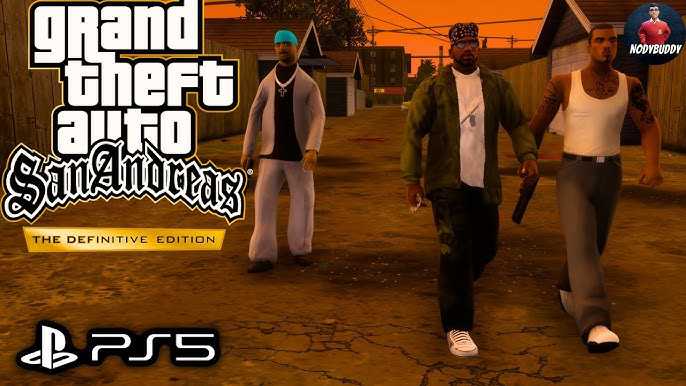
1 / 3
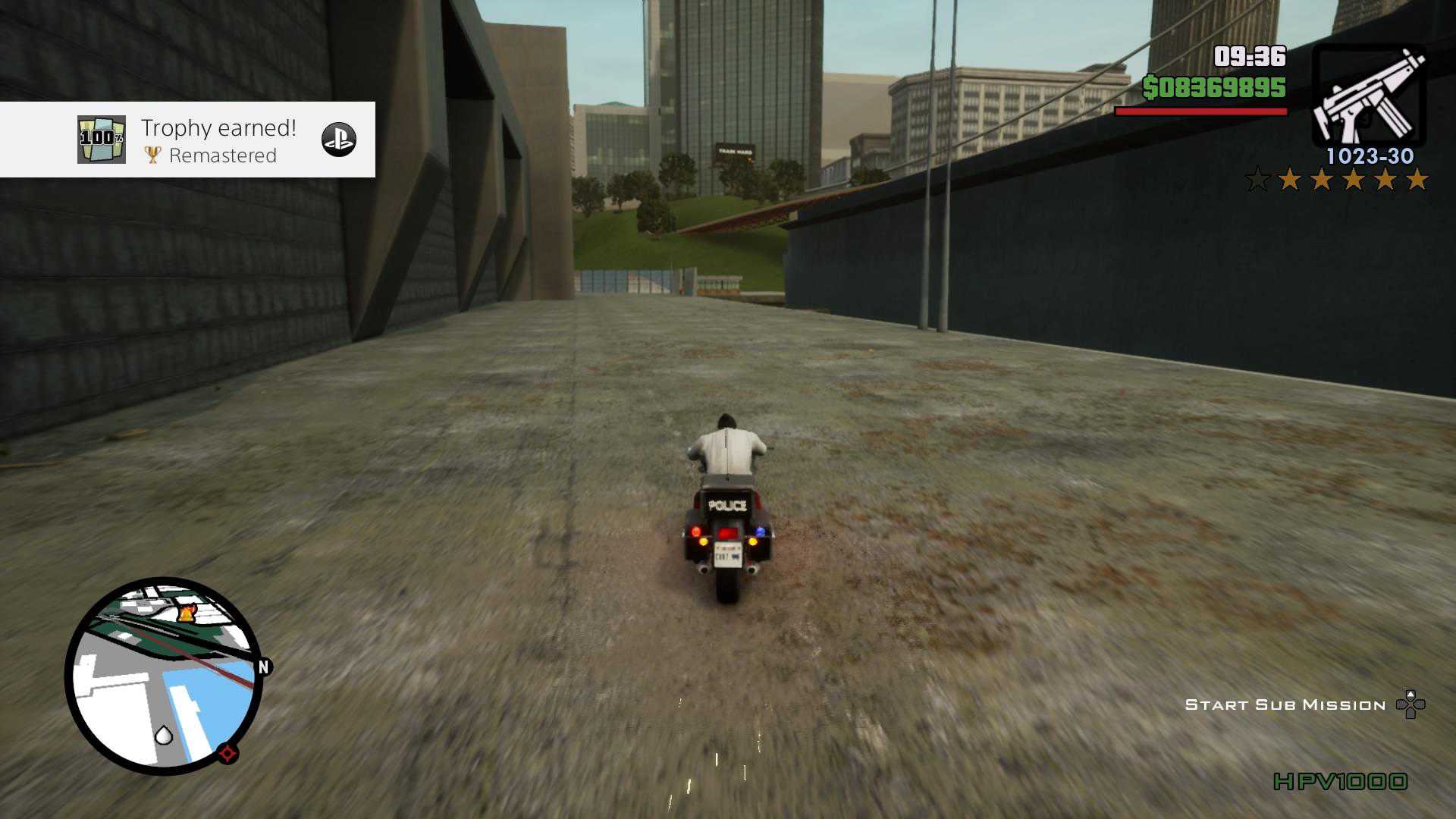
Grand Theft Auto San Andreas The Definitive Edition
2 / 3
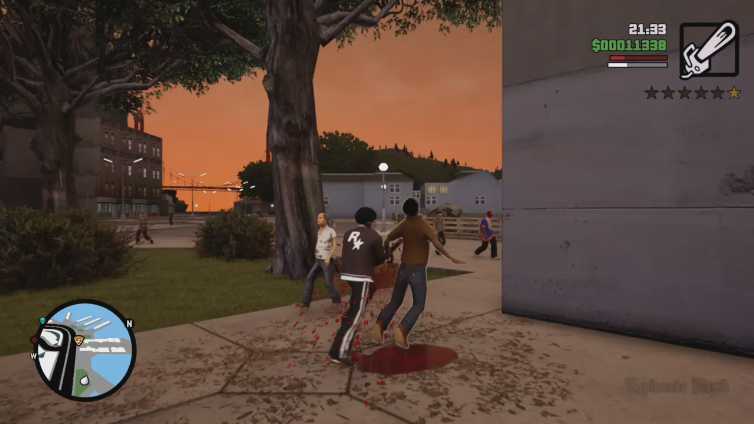
Grand Theft Auto San Andreas The Definitive Edition
3 / 3
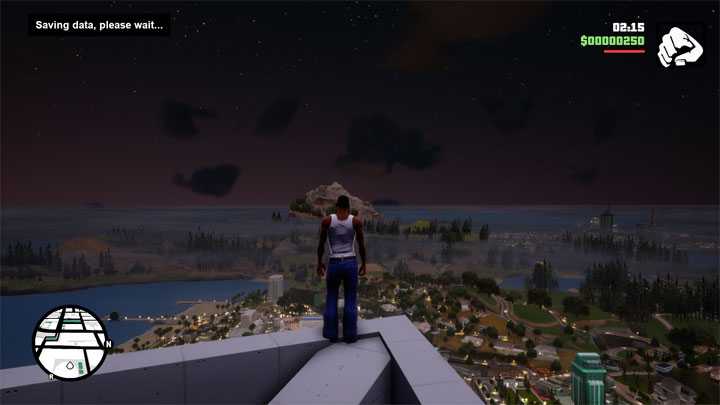
Grand Theft Auto San Andreas The Definitive Edition
- Tên:
- Grand Theft Auto San Andreas The Definitive Edition
- Phiên bản:
- v1.x.
- Ngày update:
- 03/5/2025
- Thể loại:
- Game, Game hành động
- Dung lượng:
- 17.2GB
- Số part:
- 4
- RAM tối thiểu:
- 8GB
- Ngôn ngữ:
- Tiếng Anh
- Seri game:
- Grand Theft Auto San Andreas The Definitive Edition
- Trạng thái:
- Đã mở khóa
- Cloud:
- GoogleDrive
- Mua game:
- Link ủng hộ nhà phát triển
Giới thiệu
Chơi các trò chơi kinh điển định hình thể loại của Grand Theft Auto Trilogy gốc: Grand Theft Auto III, Grand Theft Auto: Vice City và Grand Theft Auto: San Andreas được cập nhật cho thế hệ mới, hiện có nhiều cải tiến toàn diện bao gồm ánh sáng mới tuyệt vời và nâng cấp môi trường, với kết cấu độ phân giải cao, khoảng cách vẽ tăng lên, điều khiển và nhắm mục tiêu theo phong cách Grand Theft Auto V, cùng nhiều hơn nữa, mang những thế giới được yêu thích này vào cuộc sống với tất cả các cấp độ chi tiết mới.
Hướng dẫn cài đặt
1. Extract
2. Burn or mount the .iso
3. Run setup.exe and install
4. Copy crack from CODEX dir to installdir
5. Play
Full List of Supported Languages:
English, French, Italian, German, Spanish, Spanish (Mexico), Russian, Portuguese-Brazil, Polish, Japanese, Korean, Simplified Chinese, Traditional Chinese

NOTES: The game is updated to v1.14718.

RegFix Notes:
Our installer adds admin rights to start the exe, which breaks keyboard and gamepad controls in the games. You can run our fix or manually remove admin rights.

Place the gta_reg_fix.exe in same folder as the game .exe and run it. Or you can manually remove the \”run as admin\” flag from the .exe by opening the file properties, uncheck run as admin in the compatibility tab and hit apply.

General Notes:
• Block the game’s exe in your firewall to prevent the game from trying to go online ..
• If you install games to your systemdrive, it may be necessary to run this game with admin privileges instead
Link Download
Link DownloadTên File |
Số Part |
Cloud |
Link tải |
|---|---|---|---|
| Grand Theft Auto San Andreas The Definitive Edition | 4 | GoogleDrive |
Các lỗi thường gặp!
- Cách tải file Google Drive bị giới hạn download
- Cách khắc phục và sửa lỗi VCOMP120.dll
- Cách khắc phục và sửa lỗi X3DAudio1_7.dll
- Cách khắc phục và sửa lỗi d3dx9_43.dll
- Cách khắc phục và sửa lỗi Vcruntime140.dll
- Cách khắc phục và sửa lỗi Xinput1_3.dll
- Cách fix lỗi 0xc000007b trên Windows
- Cách khắc phục và sửa lỗi Isdone.dll
- Cách khắc phục và sửa lỗi Unarc.dll
- Cách khắc phục và sửa lỗi MSVCR100.DLL
-
Tổng8.8