

- Tên:
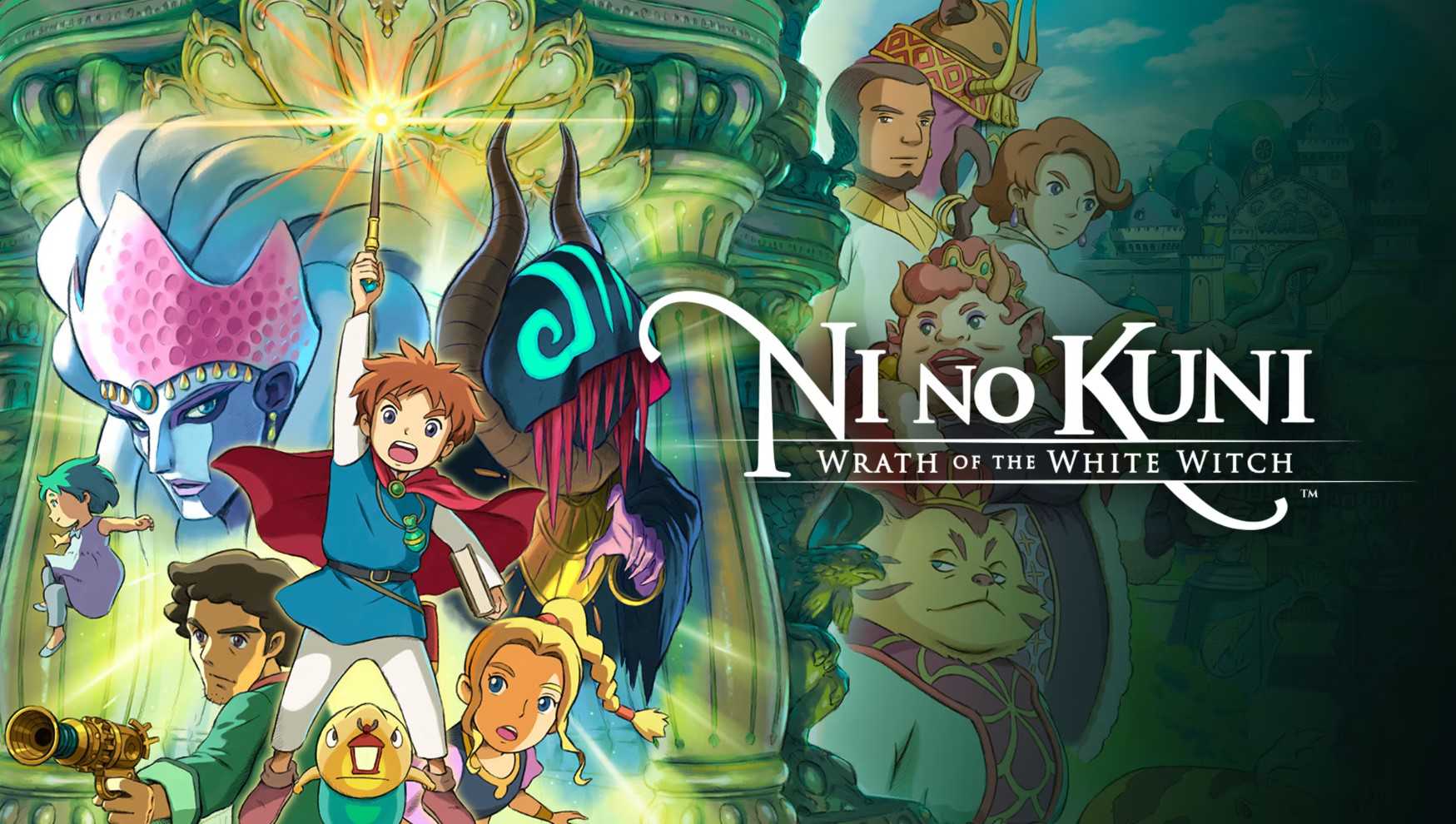
- Ni no Kuni Wrath of the White Witch
- Phiên bản:
- v1.x.
- Ngày update:
- 03/9/2024
- Thể loại:
- Game, Game hành động
- Dung lượng:
- 23.8GB
- Số part:
- 5
- RAM tối thiểu:
- 4GB
- Ngôn ngữ:
- Tiếng Anh
- Seri game:
- Ni no Kuni Wrath of the White Witch
- Trạng thái:
- Đã mở khóa
- Cloud:
- GoogleDrive
- Mua game:
- Link ủng hộ nhà phát triển
Giới thiệu
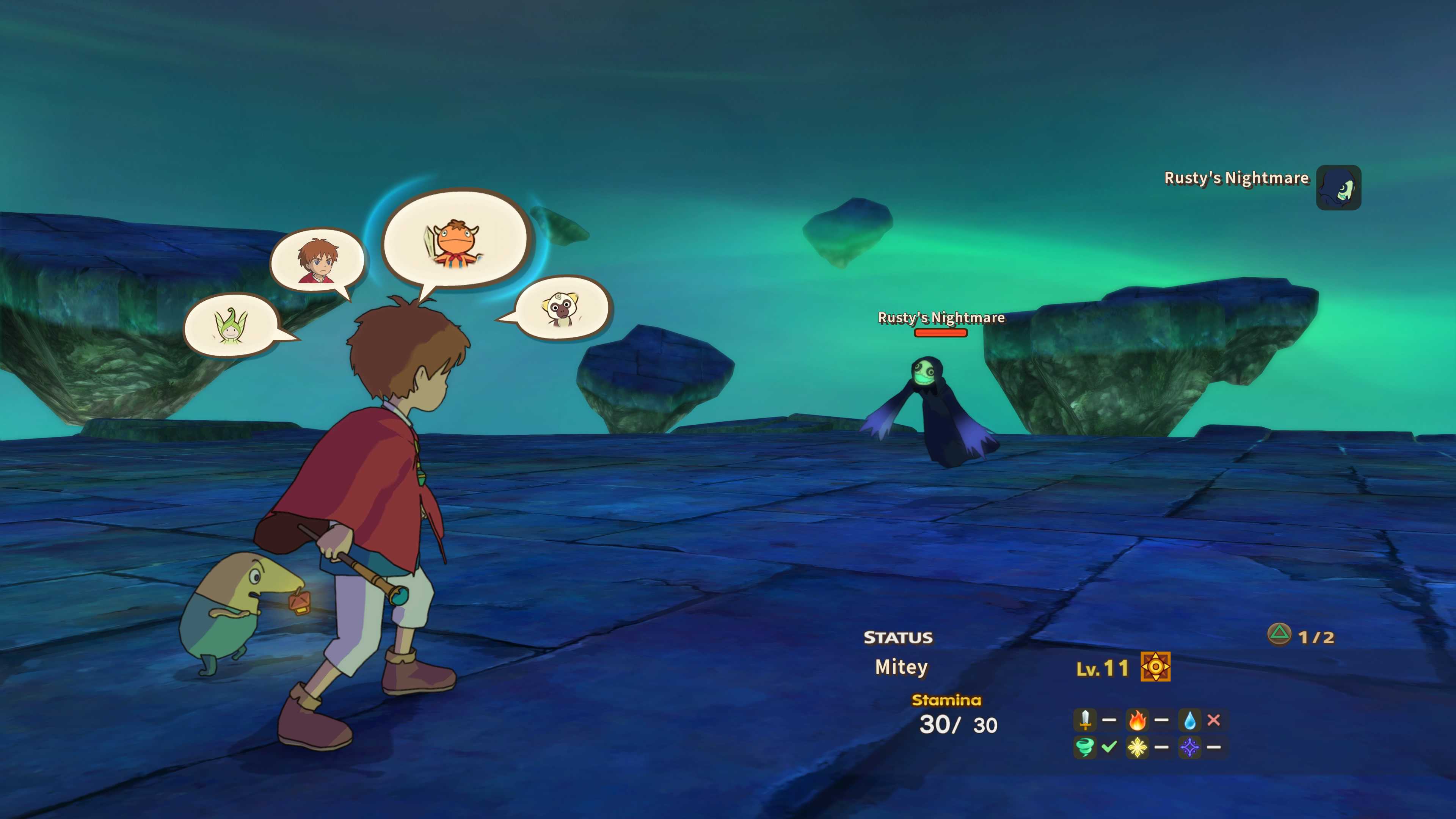
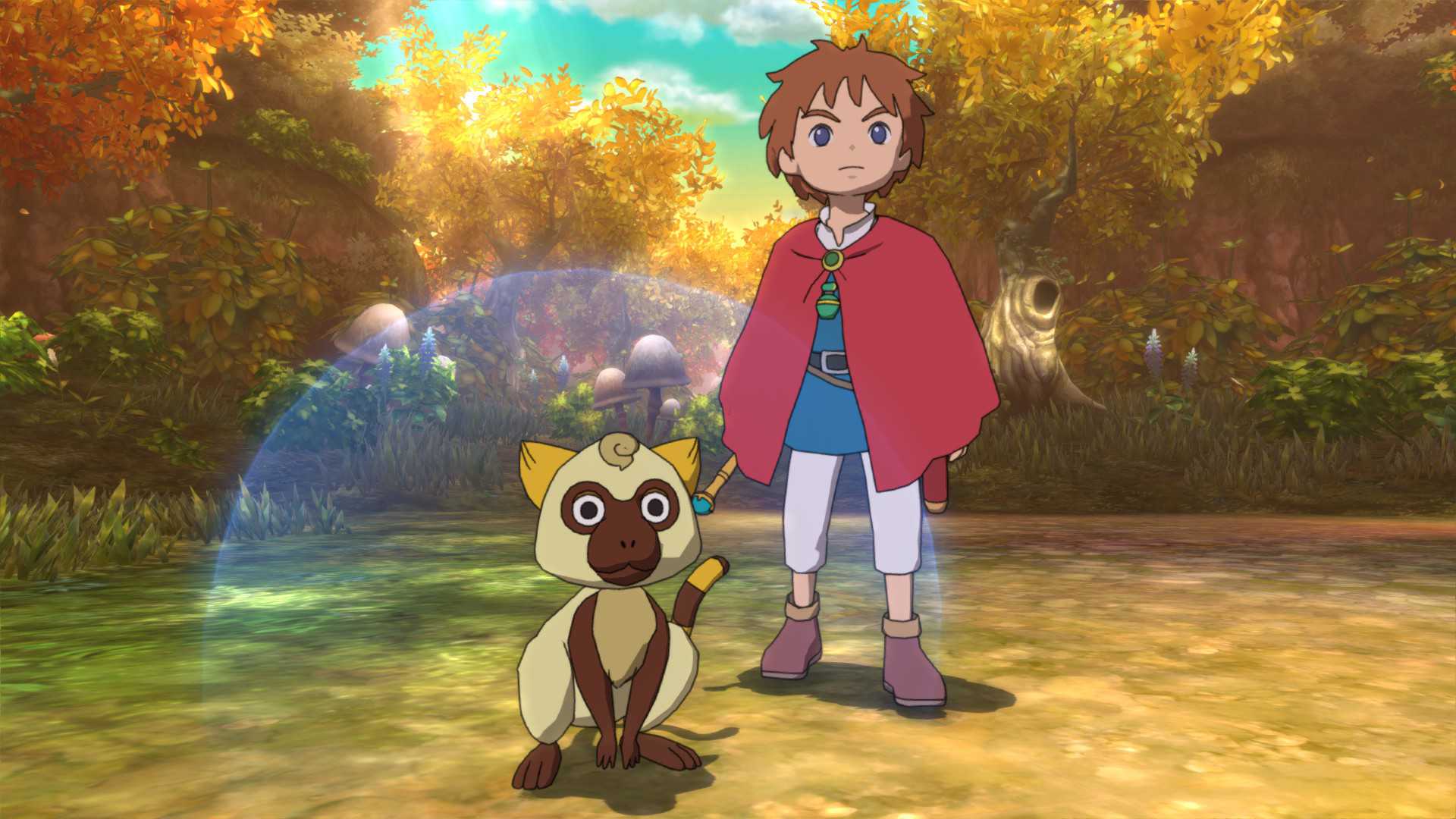
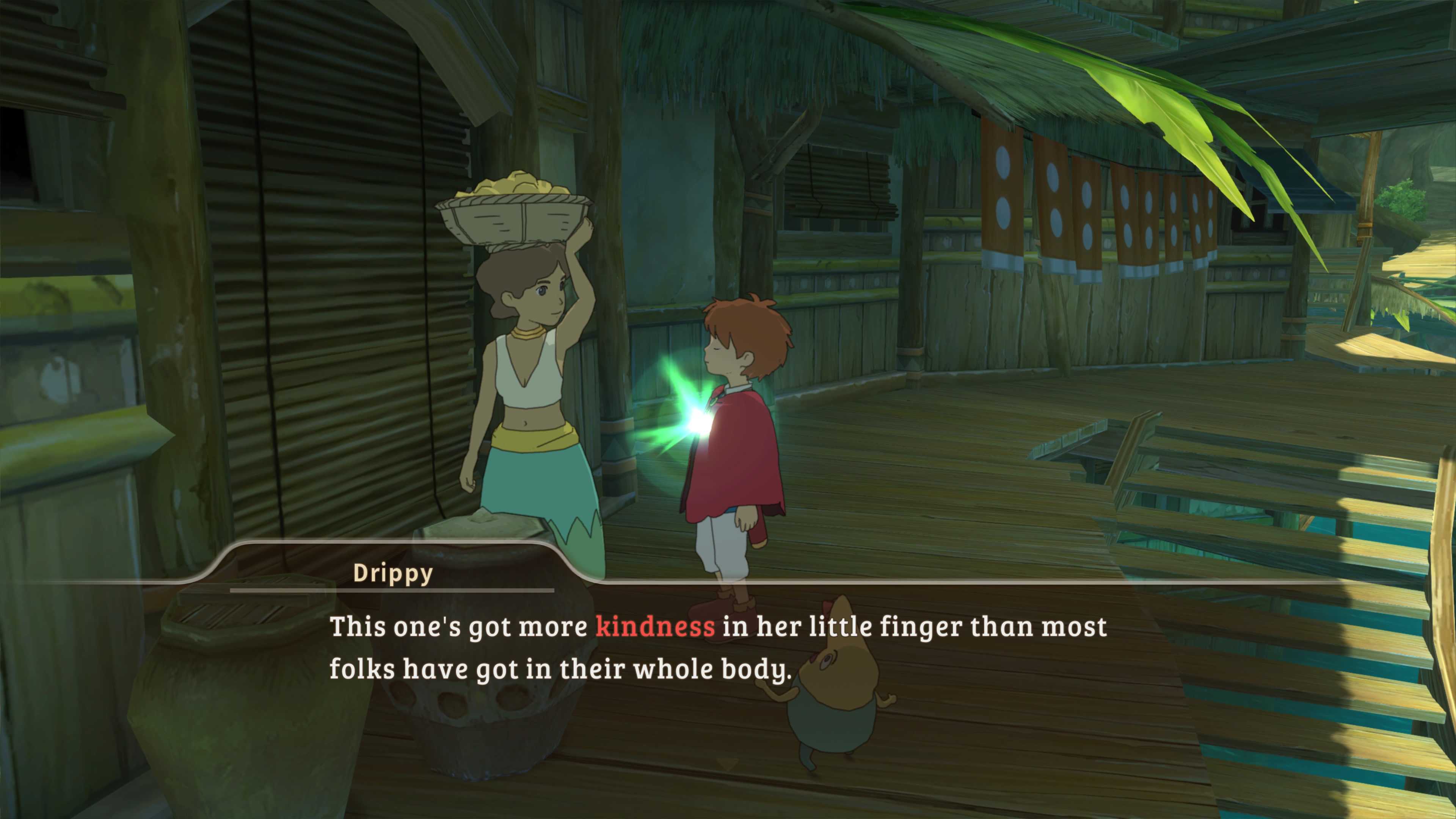
Hành trình trở về thế giới khác trong Ni no Kuni: Wrath of the White Witch™ Remastered. Câu chuyện kinh điển của LEVEL-5 trở lại tốt hơn bao giờ hết, với đồ họa và hiệu suất được cải thiện. Hãy cùng Oliver bắt đầu cuộc phiêu lưu qua một thế giới có những người bạn mới và kẻ thù hung dữ với hy vọng đưa mẹ mình trở về sau một sự cố bi thảm.
Câu chuyện quyến rũ này được mở ra thông qua việc sử dụng bảng phân cảnh hoạt hình do Studio Ghibli huyền thoại tạo ra và âm nhạc do Joe Hisaishi nổi tiếng sáng tác. Ni no Kuni: Wrath of the White Witch™ kết hợp hình ảnh hoạt hình đẹp mắt, cách kể chuyện điêu luyện và bản nhạc nền sâu sắc để tạo nên một cuộc phiêu lưu nhập vai hoành tráng không giống bất kỳ cuộc phiêu lưu nào khác.
Hướng dẫn cài đặt
1. Unpack the release
2. Mount or burn image
3. Install
4. Copy the cracked content from the SKIDROW folder and into the main install folder and overwrite
5. Block the game in your firewall and mark our cracked content as secure/trusted in your antivirus program
6. Support the companies, which software you actually enjoy!
7. Remember to run game with admin rights – especially on drive C:
8. Play the game
9. Support the companies, which software you actually enjoy!
PROPER Notes:
The CODEX release does not support controller gameplay with their crack

IMPORTANT Notes:
1. CLOSE OFFICIAL STEAM CLIENT BEFORE RUNNING THIS GAME!
2. “Gamepad settings” menu in game is achieved by manually modifiying steamapi.ini settings
3. If you want to keep the game savings stored for the future , dont forget to backup steamapi,ini or write down AccountID(game saves are locked using it).

If you use an older ACME type controller(Dinput), be sure to put it in “Analog” mode(press “Analog” button between the sticks). Otherwise right sticks command will overlap with ABXY buttons in digital mode. In case you still encounter lags while playing without controller, set EnableControllerfalse in GameSettings in steamapi.ini

If you dont get the correct icons for your controller , modify “ControllerType” setting in steamapi.ini
xboxone
steamcontroller
steamcontrollerv2
dualshock

Another if, if youre using DS4Windows to mount your PS4 controller. In DS4Windows, press “stop” which will stop the driver. then check the box labeled “Hide DS4 Controller” and then press the button labeled “Start” to start the driver back up. This will fix the issues with conflicting controller drivers.
Link Download
Link DownloadTên File |
Số Part |
Cloud |
Link tải |
|---|---|---|---|
| Ni no Kuni Wrath of the White Witch | 5 | GoogleDrive |
Các lỗi thường gặp!
- Cách tải file Google Drive bị giới hạn download
- Cách khắc phục và sửa lỗi VCOMP120.dll
- Cách khắc phục và sửa lỗi X3DAudio1_7.dll
- Cách khắc phục và sửa lỗi d3dx9_43.dll
- Cách khắc phục và sửa lỗi Vcruntime140.dll
- Cách khắc phục và sửa lỗi Xinput1_3.dll
- Cách fix lỗi 0xc000007b trên Windows
- Cách khắc phục và sửa lỗi Isdone.dll
- Cách khắc phục và sửa lỗi Unarc.dll
- Cách khắc phục và sửa lỗi MSVCR100.DLL
-
Tổng8.3